Albedo
Albedo is the surface's own colour with no lighting baked in — same promise as a Base color, different contract. It only ever means diffuse: the colour of reflections lives in a separate specular texture next to it. That split is the specular-glossiness workflow, and it is the reason metals are painted black here.
What it is not
It is not a Diffuse map: a diffuse map from the pre-PBR era carries baked shadows and ambient occlusion, and no renderer can subtract them once they are in the pixels. Albedo is lit entirely by the renderer.
It is not a Base color either, even though the two look nearly identical on a dielectric. Base color is one texture with two possible meanings, arbitrated per texel by the Metallic map. Albedo has exactly one meaning, always, and the second meaning is handed to another texture.
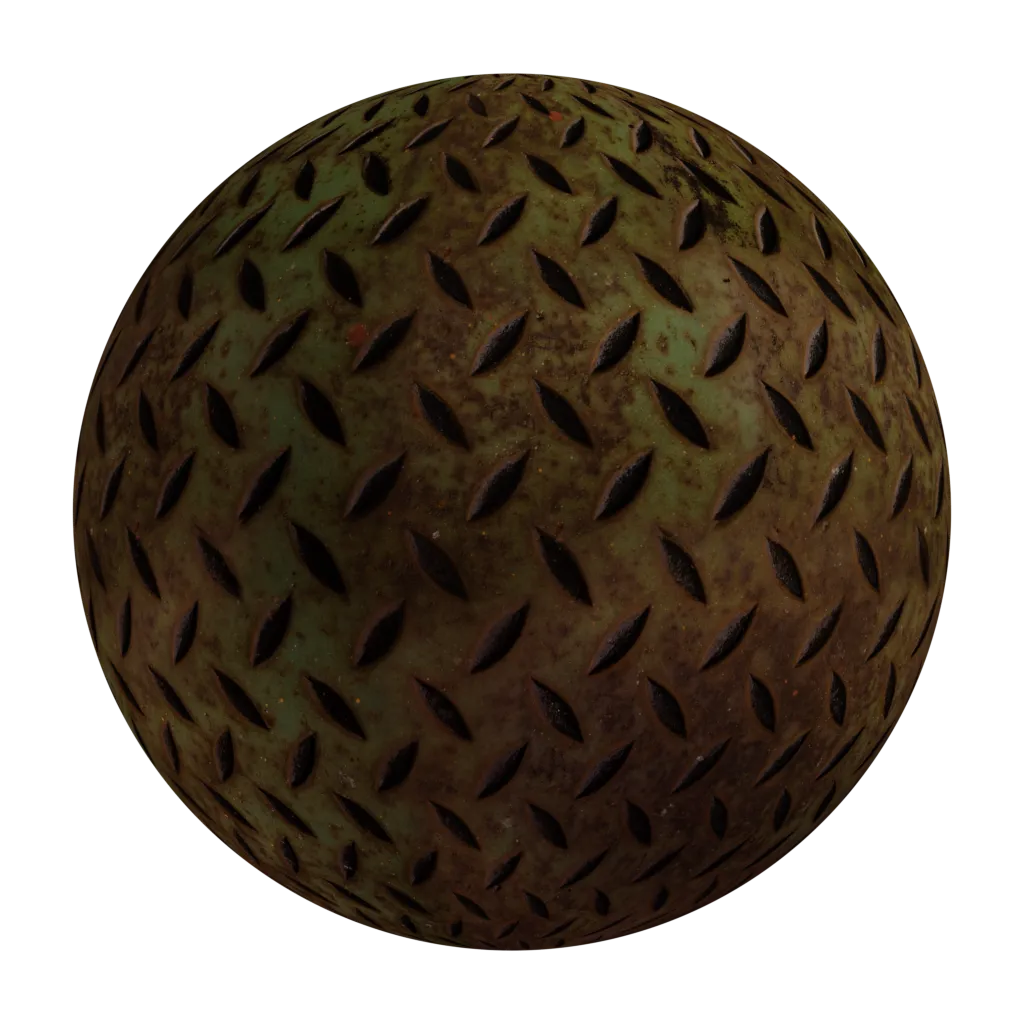
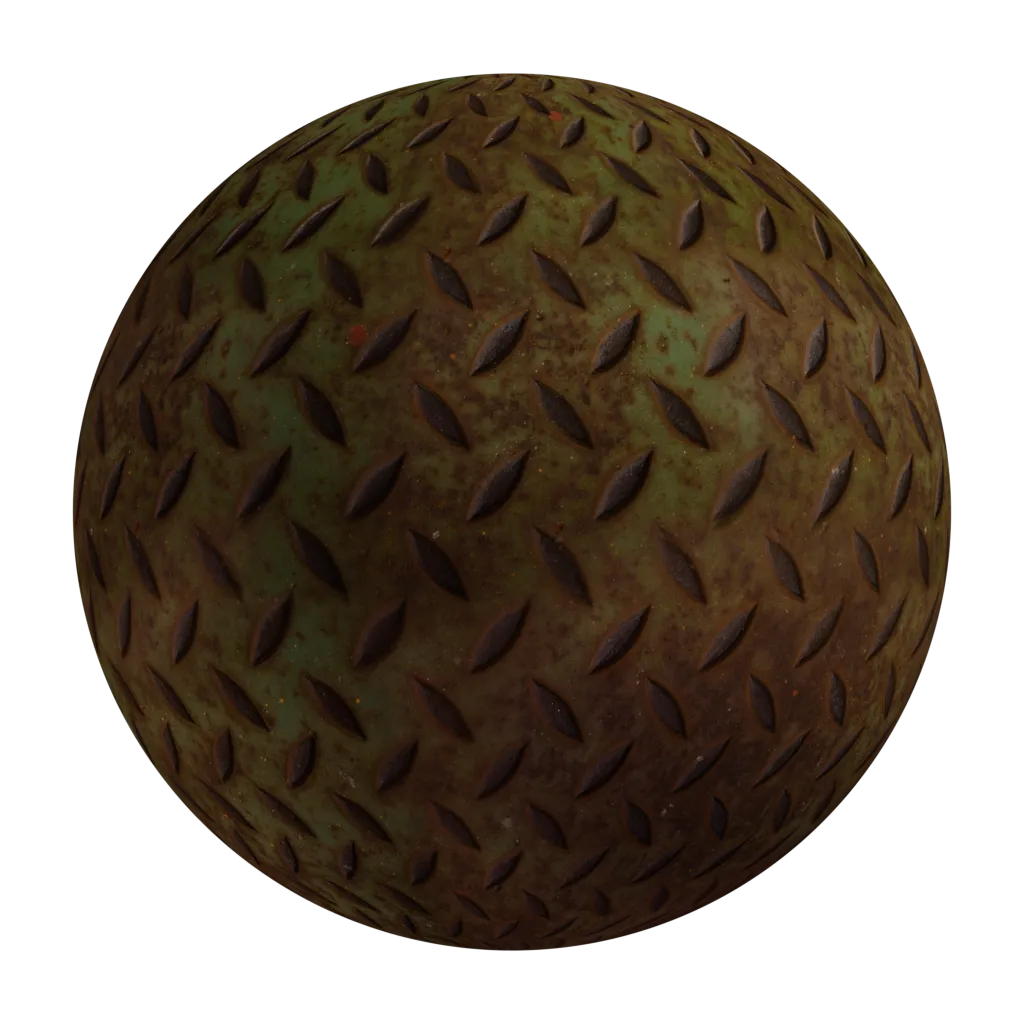
Two textures, one surface
The pair is albedo plus specular, and each texel is one or the other — never split between them.
| Surface | Albedo | Specular map |
|---|---|---|
| dielectric (plastic, brick…) | the colour | dark grey, around 0.04 |
| metal (gold, copper…) | black | the metal's own colour |
In shading terms there is no arbitration to do — both textures are read at face value:
vec3 diffuse = albedo;
vec3 F0      = specular;
Compare that with the metallic-roughness pair, where the same two values are derived from one texture and a mask:
vec3 diffuse = base_color * (1.0 - metallic);
vec3 F0      = mix(vec3(0.04), base_color, metallic);
Same physics, same output. A metal has no diffuse and its reflections are tinted; a dielectric has diffuse and reflects the colour of the light. The two workflows just disagree about who stores that fact — an authored texture, or a mask the shader applies.
Why it lost
Both workflows are correct, and specular-glossiness is the older of the two. Metallic-roughness won for reasons that are mostly practical:
- It can be authored wrong. Nothing stops a bright albedo sitting under a bright specular for the same texel, and the surface then reflects more light than it receives. The metallic mask makes that state unrepresentable.
- It costs more channels. RGB specular plus glossiness fills four channels; metallic plus roughness fills two, and they pack into a single texture with room to spare.
- Black metals are a trap. The convention is invisible in the texture itself, so an albedo that someone believed was a base color renders as black metal, and the reverse renders as plastic. See the authoring rules below.
Converting specular-glossiness to metallic-roughness is lossy: a per-texel specular colour has to collapse into either the fixed 0.04 dielectric F0 or the base color itself, and anything in between is rounded away.
Authoring rules
- Paint no lighting. No shadow, no ambient occlusion, no highlight — the same rule as every PBR colour texture, and baking them locks the asset to one lighting setup.
- Paint metals black, and only in this workflow. Their colour belongs in the specular map. Doing this to a Base color produces a black metal instead.
- Keep dielectric values in range. Roughly 30 to 240 in sRGB; pure black and pure white do not exist in nature and read as broken under any light.
- Keep the pair consistent. Where albedo is black the specular carries a measured metal colour, and where the specular is the 0.04 grey the albedo carries the colour. A texel that is bright in both is not a surface.
- Label the file. Nothing in the pixels says which workflow an image was painted for, and that ambiguity is what the mislabelled-texture bug is made of.