Base color
The base color describes the surface's own colour, with no lighting baked in: no shadows, no ambient occlusion, no painted highlights. What that colour means is decided by the Metallic texture next to it — it is either a diffuse albedo or the tint of a reflection, never both at once.
What it is not
It is not a Diffuse map: a diffuse map from the pre-PBR era carries baked shadows and occlusion, and a renderer has no way to remove them once they are in the pixels. It is not an Albedo either — albedo belongs to the specular-glossiness workflow, where metals are painted black and their reflection colour lives in a separate specular map. Base color is the metallic-roughness answer to the same problem: keep one colour texture, and let the Metallic map say how to read it.
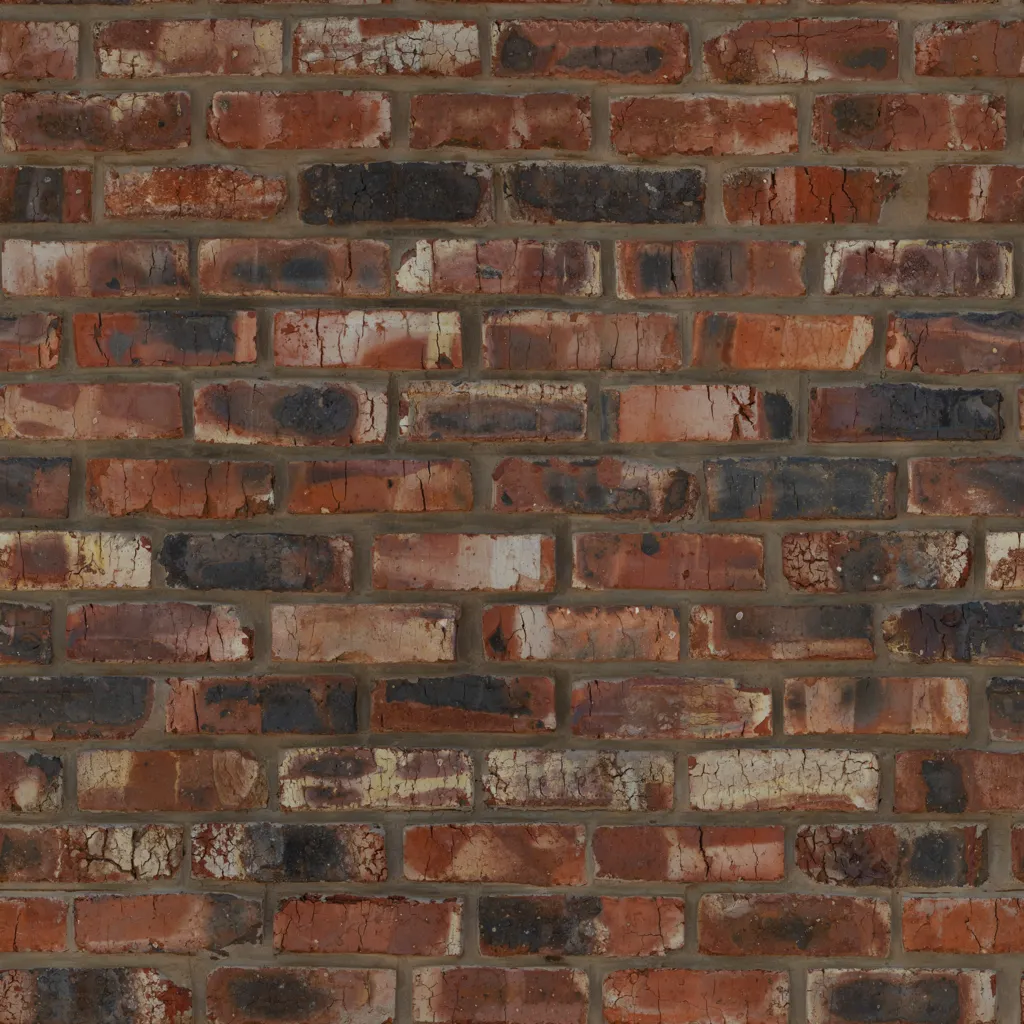
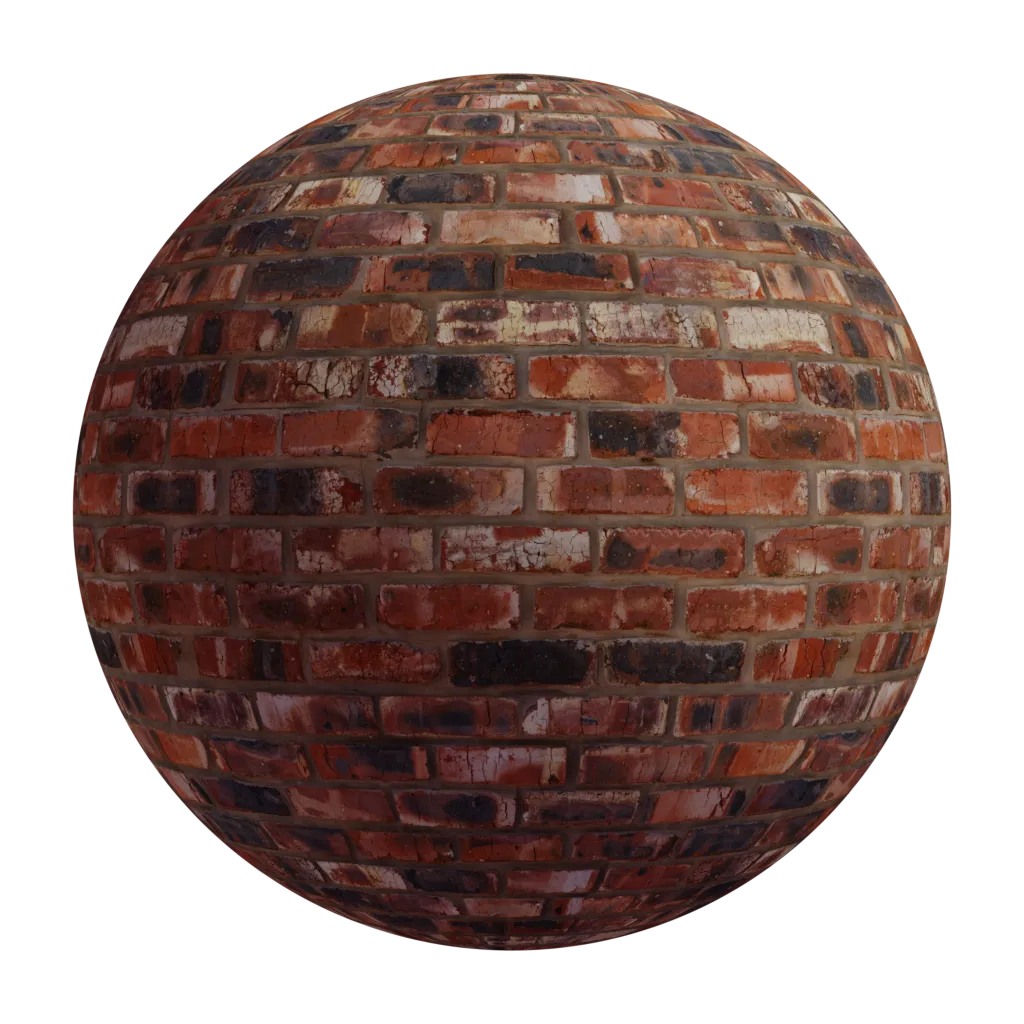
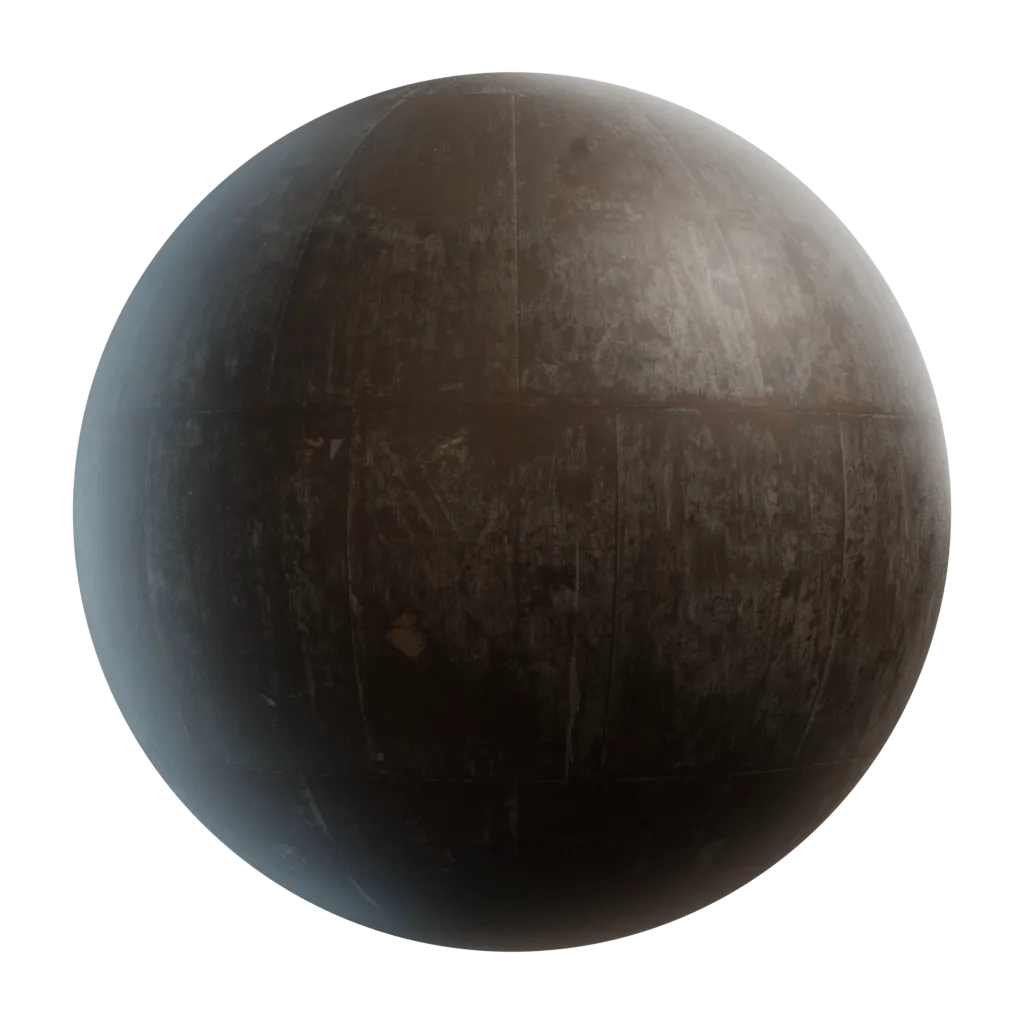
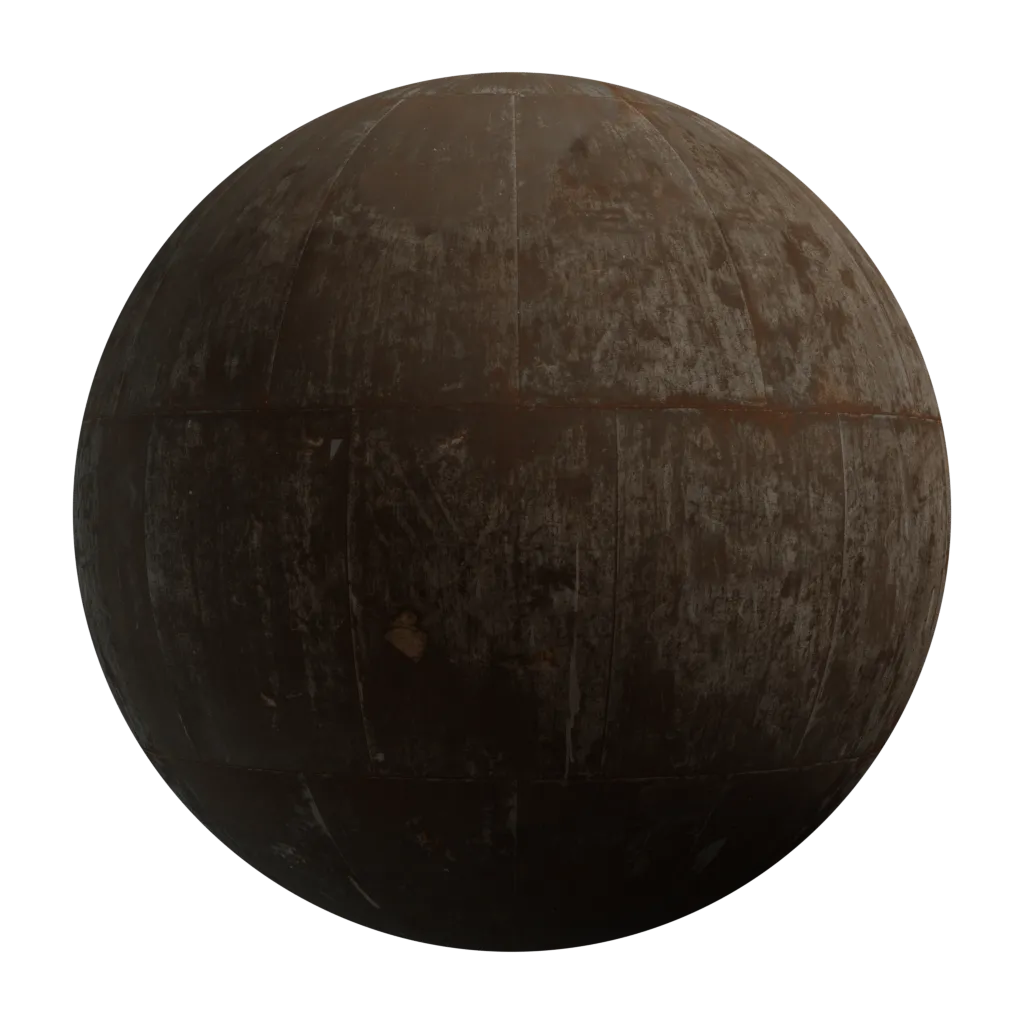
Flat and evenly lit: every shadow on the sphere is one the renderer computed, not one the texture handed it.
Two readings, one texture
Metallic is a mask, usually 0 or 1, and it picks which of the two roles the base color plays for that texel.
| Metallic | Diffuse | Reflection colour (F0) |
|---|---|---|
0 | the base color | white-ish, fixed at 0.04 |
1 | none — black | the base color |
In shading terms, that is the whole rule:
vec3 diffuse = base_color * (1.0 - metallic);
vec3 F0      = mix(vec3(0.04), base_color, metallic);
A dielectric (plastic, wood, skin, brick) lets light enter the material and come back out tinted — that is the diffuse — while its reflections stay the colour of the light source. A metal has no diffuse at all: everything you see is a reflection, and gold looks gold because it reflects gold. The two cases exclude each other, which is why a single texture can serve both.
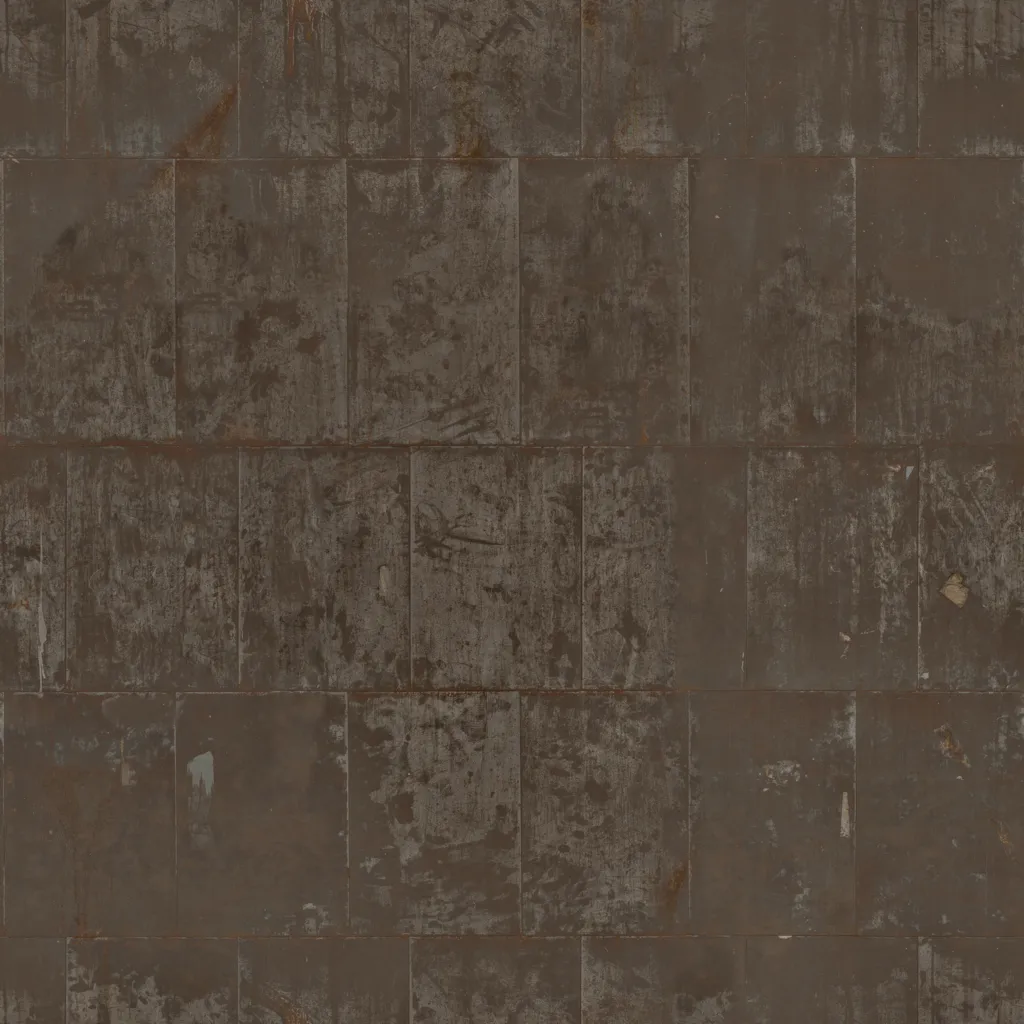
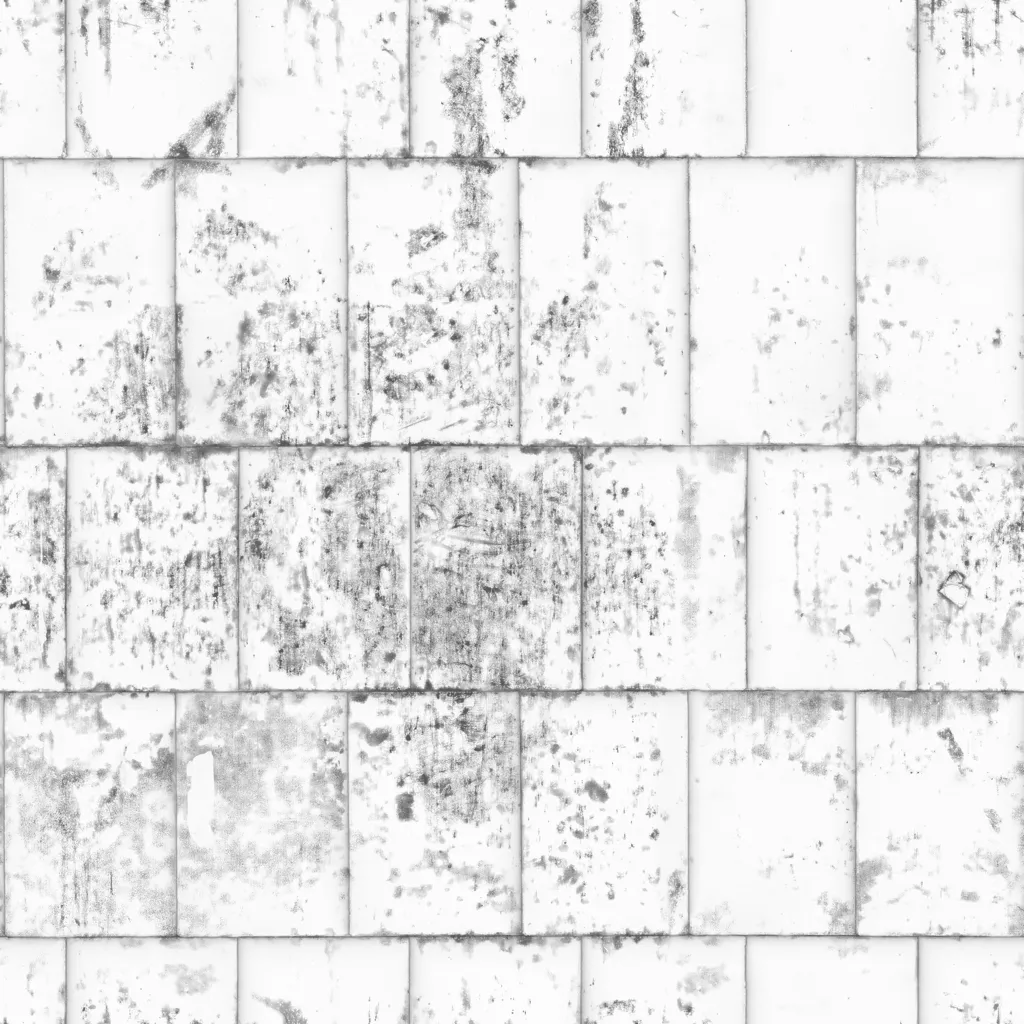
The two roles can coexist in one material, because Metallic varies per texel. On rusted steel the plates are metal and the rust that eats them is a dielectric powder, so the same base color image feeds reflections in one place and diffuse in the other.
Authoring rules
- Paint no lighting. No shadow, no ambient occlusion, no highlight, no reflection — those are the renderer's job, and baking them locks the asset to one lighting setup.
- Keep dielectric values in range. Real surfaces sit roughly between 30 and 240 in sRGB; pure black and pure white do not exist in nature and read as broken under any light.
- Use measured values for metals. Their base color is a reflectance, not a taste — gold, copper and aluminium each have a known one, and inventing them is what makes metals look like painted plastic.
- Do not paint metals black. That is the Albedo convention from the specular-glossiness workflow, and doing it here just gives a black metal.