Diffuse map
A diffuse map is a colour texture with the lighting already in the pixels — occlusion in the crevices, shadow under the ledges, often a highlight where the artist decided the sun was. It answers "what does this surface look like, lit" rather than "what colour is this surface", and it is the thing both Base color and Albedo define themselves against.
Why it was built this way
Before pbr, computing all of that at runtime was out of reach. Soft shadows, ambient occlusion, bounced light — each is a scene-wide query, and a frame had no budget for any of them. So the answer was computed once, offline, where time is free, and stored in the same image as the colour.
That is a good trade when the lighting never changes. One texture fetch replaces a shading model, and a wall lit at authoring time looks better than a wall lit by the real-time budget of the era.
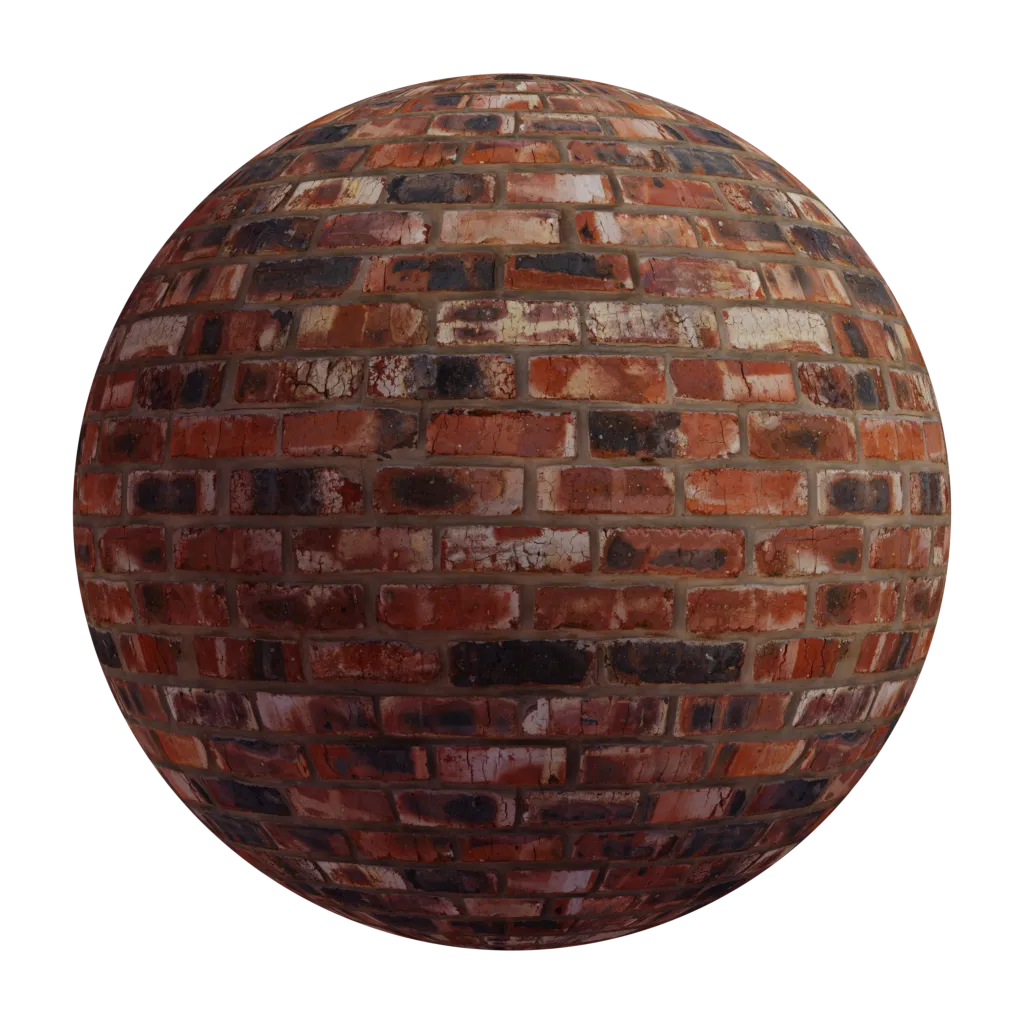
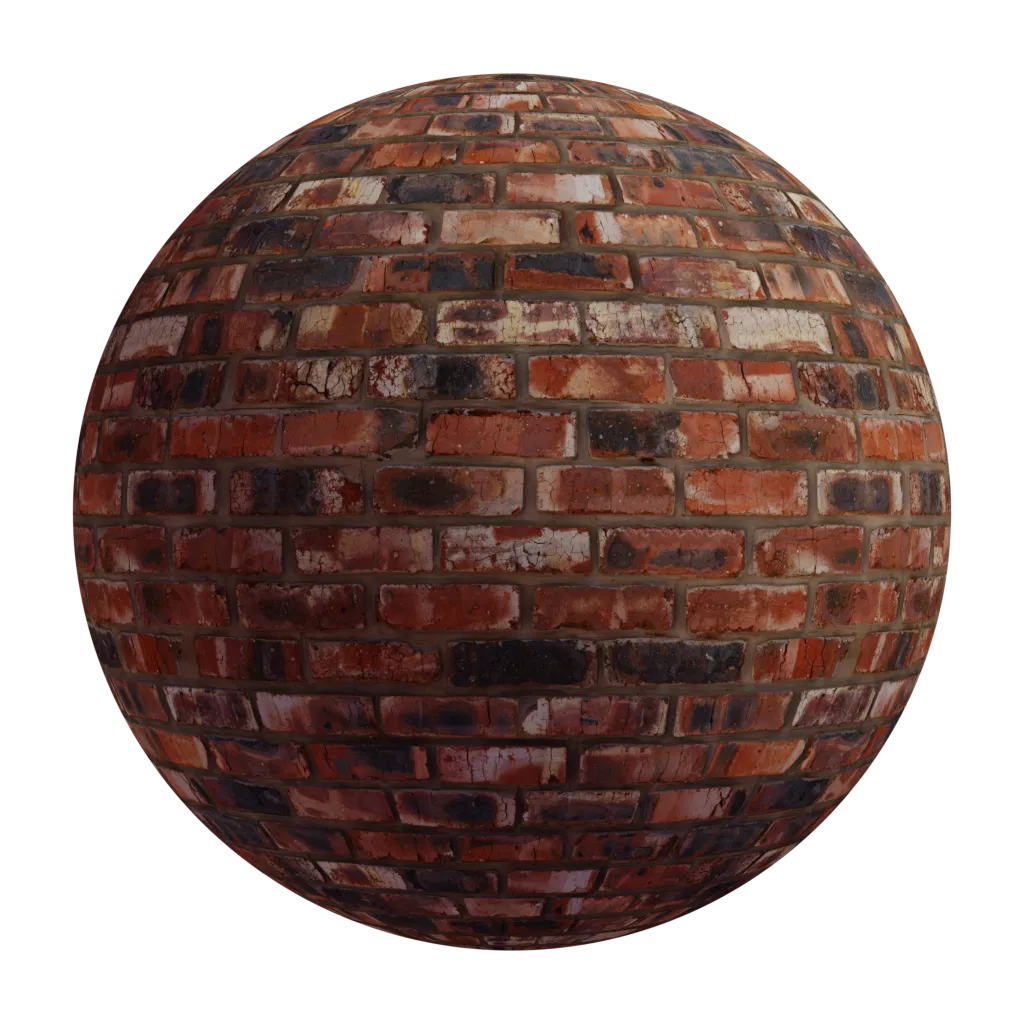
What ends up baked in
- Ambient occlusion — the darkening where surfaces crowd each other: mortar joints, panel gaps, the inside of a fold.
- Contact shadow — the dark line under anything that sits on the surface.
- A key light — a top-lit gradient, which freezes not just the intensity but the direction of the light into the asset.
- Specular highlights — painted sheen standing in for a reflection the renderer could not compute.
Why it stopped being enough
The lighting is frozen and the renderer's is not. Move the light and the painted shadows stay where they are. Rotate the object and its private sun rotates with it. Put the asset in a night scene and it is still lit for noon.
It double-darkens. An engine that computes its own occlusion multiplies it into a texture that already has occlusion, and the crevices go to mud. The brighter the engine's ambient term, the more obviously the two disagree.
It cannot be undone. Colour and lighting are not separable layers in the file — they were multiplied together long before the renderer saw them, and no amount of processing recovers the operands from the product. Delighting tools exist and they guess: they estimate the lighting that was probably used and divide it back out, which works on flat, evenly shot surfaces and falls apart on anything with real shape.
It has no notion of metal. There is no F0, so metal was a painted highlight and, on a good day, a cube map.
Where it is still the right answer
Baked lighting stops being a limitation when it is the art direction. A hand-painted stylised asset carries occlusion and highlights that no lighting model would produce, and running a physical shader over it would only argue with the painting. The same goes for anything never meant to be lit at all: UI, sprites, skyboxes, and distant background props whose shading nobody will look at closely enough to catch.
Spotting one
Given an unlabelled texture, the tells are consistent:
- Darkening that follows the shape rather than the material — a gradient that gets darker toward a corner is occlusion, not paint.
- Bright spots with soft falloff sitting on an otherwise uniform surface.
- Values well outside the 30–240 sRGB range a real dielectric occupies, usually at the dark end where the baked shadows live.
If any of those are present, treating the file as a Base color will read as grubby and flat under every light — and the fix is a new texture, not a correction pass.